StockPlan recent new features
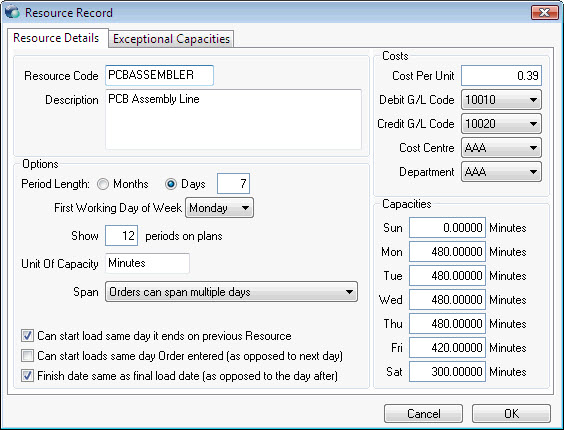
Resources - StockPlan can now manage the resources involved in production.
Each resource can have various parameters configured including costs and capacities. Capacities include regular daily capacities and also exceptional capacities to cover Christmas or service close downs, etc.
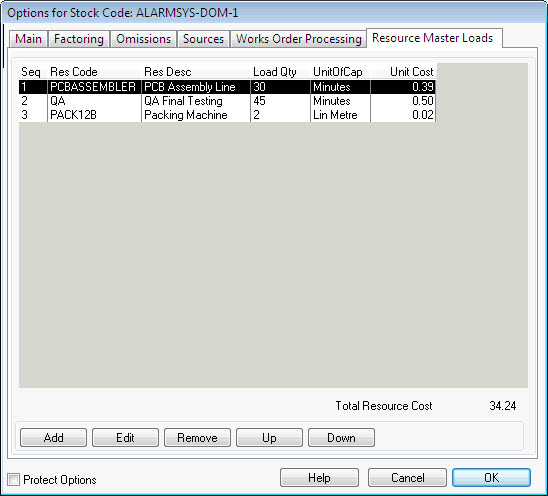
Each Bom item has a Master Resource Schedule detailing and sequencing the Resources required to build it.
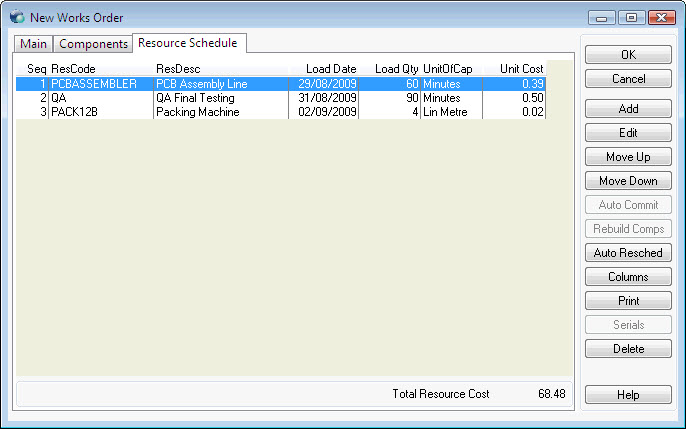
Each works order has its own schedule based on the free availability of the resources required to build it. This resource schedule can be manually changed for each works order. In addition to the cost of the components the cost of the resources can also be included in the total cost of the Bom item being built on the order.
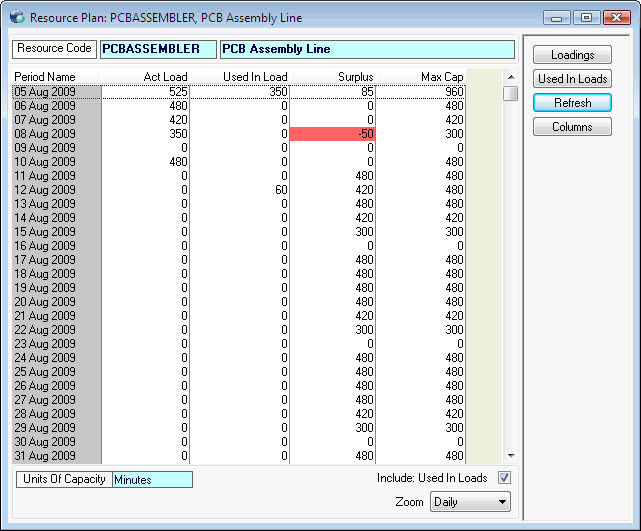
A Resource Plan can be viewed showing the current loads and free capacity over the forthcoming periods. Periods for which the capacity of the resource has been exceeded are highlighted.
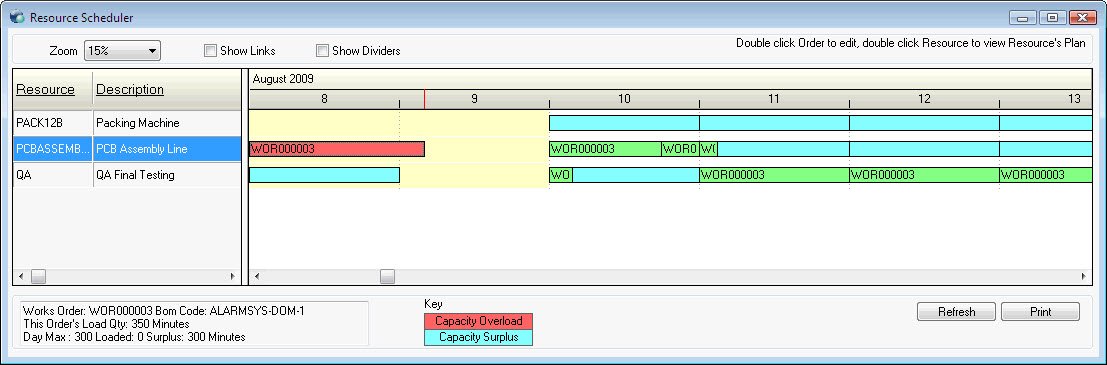
A Gantt type scheduler screen can give a visual overview of each resource and the orders scheduled upon it for each day.
StockPlan now provides Serial Batch Traceability
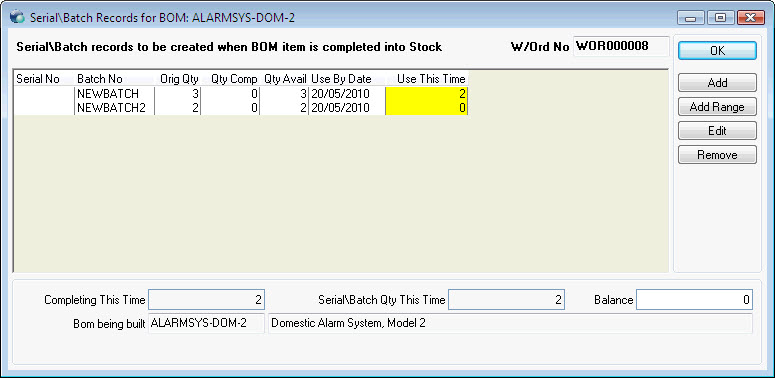
Serial/Batch numbers for a works order can be added at anytime. If they are added before the order is printed (this can optionally be enforced ) then they can be printed on the works order layout. Alternatively you can leave adding them until completion. If you have added them in advance and then part complete the works order you can simply select which ones you are completing this time.
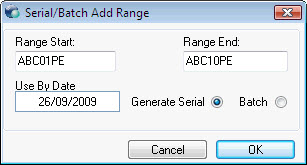
Serial/Batch numbers can be automatically generated based on a from/to pattern.
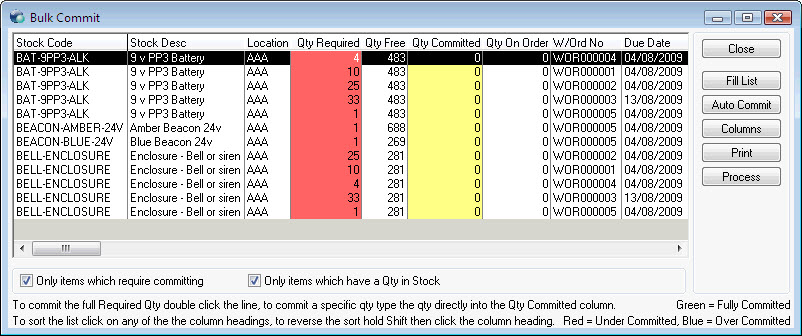
Works Order Bulk Commit
Using this new screen you can view and commit many component lines from different works orders on one screen. Component lines waiting for stock can be listed based on various criteria including by Exchequer Purchase Delivery Note number e.g. enter the PDN number into this screen and every component line from every works waiting for items that were received in the PDN will be listed.
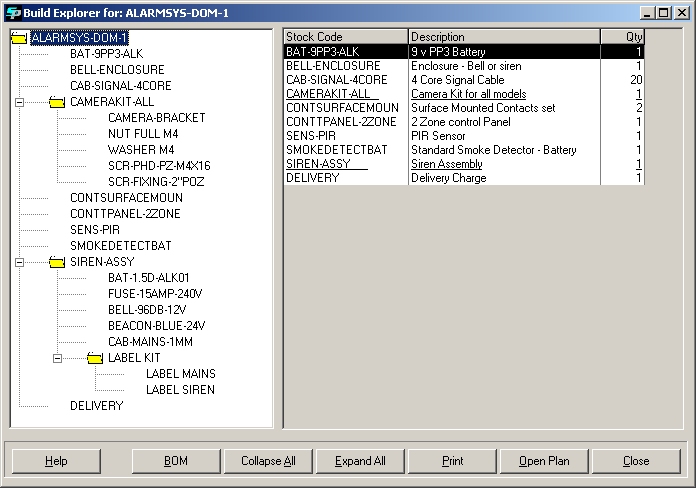
Bom Explorer (new in v2.1.19)
Options
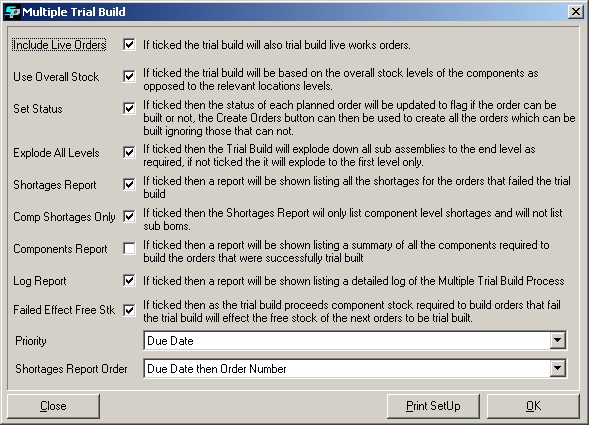
Multi Trial Build